 61f56f997c
5.2 KiB
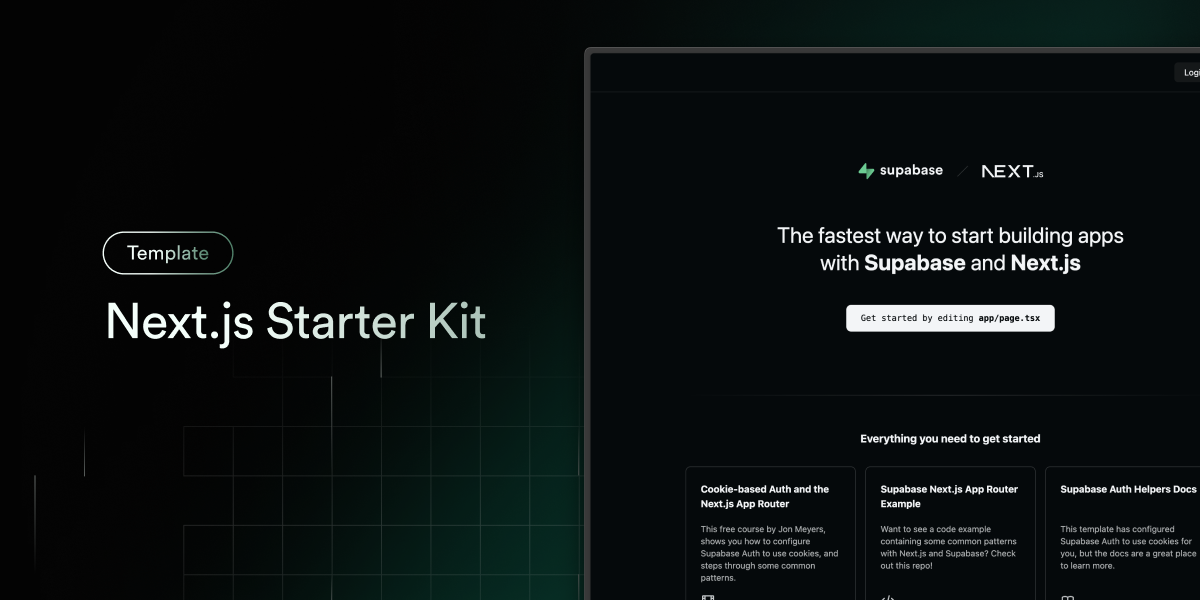
Next.js and Supabase Starter Kit
The fastest way to build apps with Next.js and Supabase
Features · Demo · Deploy to Vercel · Clone and run locally · Feedback and issues More Examples
Features
- Works across the entire Next.js stack
- App Router
- Pages Router
- Proxy
- Client
- Server
- It just works!
- supabase-ssr. A package to configure Supabase Auth to use cookies
- Password-based authentication block installed via the Supabase UI Library
- Styling with Tailwind CSS
- Components with shadcn/ui
- Optional deployment with Supabase Vercel Integration and Vercel deploy
- Environment variables automatically assigned to Vercel project
Demo
You can view a fully working demo at demo-nextjs-with-supabase.vercel.app.
Deploy to Vercel
Vercel deployment will guide you through creating a Supabase account and project.
After installation of the Supabase integration, all relevant environment variables will be assigned to the project so the deployment is fully functioning.

The above will also clone the Starter kit to your GitHub, you can clone that locally and develop locally.
If you wish to just develop locally and not deploy to Vercel, follow the steps below.
Clone and run locally
-
You'll first need a Supabase project which can be made via the Supabase dashboard
-
Create a Next.js app using the Supabase Starter template npx command
npx create-next-app --example with-supabase with-supabase-appyarn create next-app --example with-supabase with-supabase-apppnpm create next-app --example with-supabase with-supabase-app -
Use
cdto change into the app's directorycd with-supabase-app -
Rename
.env.exampleto.env.localand update the following:
NEXT_PUBLIC_SUPABASE_URL=[INSERT SUPABASE PROJECT URL]
NEXT_PUBLIC_SUPABASE_PUBLISHABLE_KEY=[INSERT SUPABASE PROJECT API PUBLISHABLE OR ANON KEY]
Note
This example uses
NEXT_PUBLIC_SUPABASE_PUBLISHABLE_KEY, which refers to Supabase's new publishable key format. Both legacy anon keys and new publishable keys can be used with this variable name during the transition period. Supabase's dashboard may showNEXT_PUBLIC_SUPABASE_ANON_KEY; its value can be used in this example. See the full announcement for more information.
Both NEXT_PUBLIC_SUPABASE_URL and NEXT_PUBLIC_SUPABASE_PUBLISHABLE_KEY can be found in your Supabase project's API settings
-
You can now run the Next.js local development server:
npm run devThe starter kit should now be running on localhost:3000.
-
This template comes with the default shadcn/ui style initialized. If you instead want other ui.shadcn styles, delete
components.jsonand re-install shadcn/ui
Check out the docs for Local Development to also run Supabase locally.
Feedback and issues
Please file feedback and issues over on the Supabase GitHub org.